Budget for a finished deliverable
Define what you will produce this month: for example, two short screen tutorials with narration and captions. That is a planning example, not a promised production rate. List the work required to finish them: preparation, capture, editing, review, export, and storage. Only then assign tools to those stages.
A subscription can remove work, create new work, or do both. An automatic rough cut may save initial editing while adding a review pass. Record the time you actually spend and keep the manual alternative available until the new path has produced an acceptable output.
Use the actual billing interval
Those examples are not a recommendation to purchase. The Riverside figure is supported by its official pricing explainer; the live pricing page also contains dynamic fields, so verify the final selected plan. For Descript, the annual equivalent is $16 per person per month. A lower equivalent does not make the upfront charge fit a monthly spending limit.
| Audited example | Cash implication | Budget decision |
|---|---|---|
| Riverside Pro | $29 monthly; $288 annually | Monthly can leave room; annual exceeds $50 |
| Descript Hobbyist | $24 monthly; $192 annually | Check tax and other existing charges |
| Both monthly examples | $29 + $24 = $53 before tax | Exceeds a strict $50 monthly cap |
Track the unit that runs out
Recording time, media processing, AI credits, exports, and stored files are not interchangeable. Write the applicable limit next to the operation that consumes it. Do not estimate available production by dividing a headline allowance by the final video length: a ten-minute edit can come from a much longer source.
Leave a row for rework. A revised recording, an extra guest session, or a new export requirement may change the plan you need. Use the current account usage view to establish what the exercise consumed; this guide does not provide measured credit consumption for a real project.
Keep cash and time in separate columns
Suppose a $24 monthly tool saves two hours of editing but adds half an hour of review. At an assumed $20 an hour, the net time value is $30, leaving $6 above the subscription cost before setup and other charges. That narrow margin disappears if the assumptions are wrong. It is an illustration, not product performance evidence.
If setup takes three hours, record that separately in the first month. Do not label freed time as cash earnings unless it actually produces paid work. Equally, a tool may be worthwhile for a required output even when time saving alone is small; state that reason explicitly.
Set an end-of-month decision
Keep one representative original, one reviewed export, the time log, and the actual bill. Decide whether the paid feature was necessary and whether you used it often enough. If a free option now covers the work, avoid renewing from habit.
Before cancelling, check access to projects and export anything you need to retain using the provider's current process. A local finished video does not necessarily preserve every editable element. The worksheet helps identify that handoff before the deadline arrives.
Compare your options
Riverside
Investigate for guest capture and an integrated recording-to-editing workflow.
Free option; Pro $29/month or $288 annually in official explainer
Free multi-track trial allowance and watermark limit evaluation. Confirm current checkout; no recording reliability tests performed.
Ordinary provider link. No affiliate partnership claimed. Link disclosure

Descript
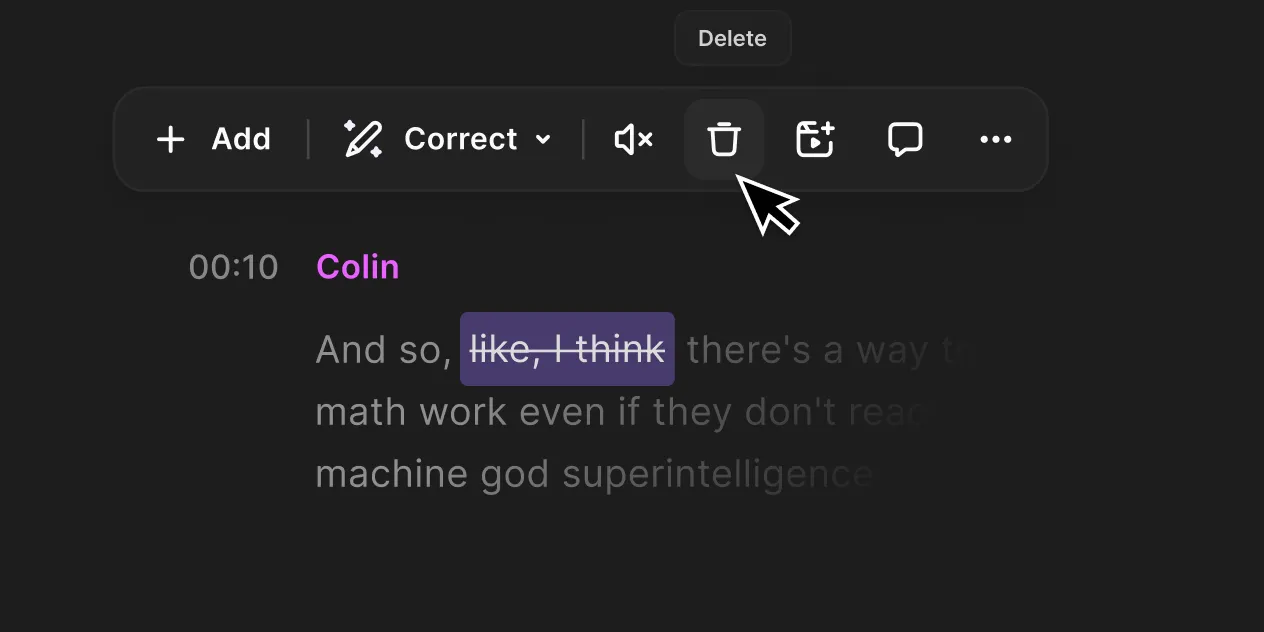
Investigate for transcript-led editing and turning existing recordings into finished videos.
Free option; Hobbyist $24/month or $192 annually per person
Media and AI allowances differ. Check the required export and project handoff before paying.
Ordinary provider link. No affiliate partnership claimed. Link disclosure
Questions before you decide
Why not choose annual billing if it saves money?
Annual billing can reduce total yearly cost but increases the initial cash commitment. The examples here exceed a strict $50 monthly cap. Evaluate the workflow first, then compare the actual invoice with your authorized budget.
How do I know a tool has paid for itself?
Compare measured net time saved with its cost using an explicit hourly-value assumption, including setup and review. Keep cash receipts separate. A convenient edit, an affiliate commission percentage, or an unfinished project is not evidence of financial payback.
Sources & verification
Product details and prices can change. Check the linked provider before buying.
- Riverside free plan and pricing explained Accessed 2026-09-13
- Descript pricing Accessed 2026-09-13
- Riverside pricing Accessed 2026-09-13
Sources link directly to providers. Product buttons may use separately labeled affiliate links. Read our disclosure.