Prepare the material before the equipment
For a faceless tutorial, list the three actions the viewer needs to see. Prepare a clean demo document or sample account that contains no private client information. Put the final result beside the starting state so you can explain what changed. A script should guide the viewer through the task, not merely narrate every click.
For an interview, send the topic and the intended use of the recording in advance. Agree on whether the output is a full conversation, selected excerpts, or both. These are production-planning suggestions, not a claim that this checklist resolves every permission or publication requirement.
Use a rehearsal to find the failure
Start with the equipment you already own. Record a short sample with normal speaking volume and the actual distance from the microphone. Listen for understandable speech, distracting room noise, and changes when you turn toward the screen. If the sample is poor, change one thing and repeat; buying a subscription does not identify the cause.
Riverside's computer-host instructions recommend a short guest test, headphones, a supported browser, and sufficient storage. Follow its current device requirements. Do not treat a successful live conversation as proof that separate local tracks have finished uploading. Record the observed status rather than writing 'done' from memory.
Make a repeatable preflight
Keep the checklist beside the script. A guest may select a different microphone after reconnecting, or a shared screen may show a different window than intended. Recheck important inputs after a setup change. For a paid session, leave room in the schedule for this check instead of treating it as optional polish.
| Stage | Check | Evidence to keep |
|---|---|---|
| Input | Correct microphone, camera, and screen selected | Short sample file |
| Content | Demo data and clear starting state | Outline and clean example |
| Capture | Recording indicators present | Recorded observation |
| Upload | Each required track completes | Completion status |
| Delivery | Export opens and captions make sense | Reviewed export filename |
Close the session carefully
Riverside specifically tells hosts to have participants leave the browser window or app open until their tracks show successfully uploaded. Ask for that check before saying goodbye. Keep an owner for each unresolved upload so a missing track is followed up rather than discovered during the final edit.
Afterward, retain the original media and create a separately named working copy or project. Descript's import guidance describes progress in its Activity panel. An imported file is a starting point; listen and inspect the content before discarding any alternative source.
Review what viewers will receive
Export a short representative section early. Confirm that text remains readable, speech is understandable, and edits have not removed an important qualification. For a tutorial, make sure the demonstrated action still matches the narration. For an interview, preserve the speaker's meaning when shortening an answer.
The downloadable worksheet is blank by design. Fill it with actual observations for each session. None of its rows are benchmark results, successful recordings, or evidence that a particular computer meets a vendor's requirements.
Watch demos / Official walkthroughs
See how the tools work.
Videos load from YouTube only when you press play. These are provider videos, not our own product tests.
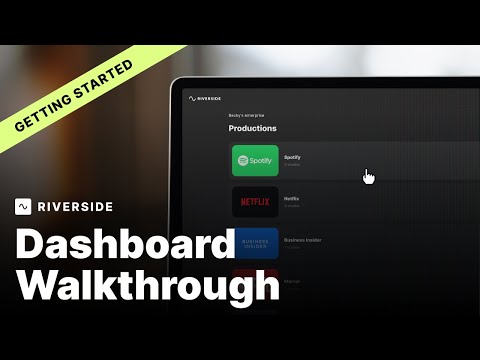
Riverside / Official video
Riverside Dashboard Walkthrough | Getting Started with Riverside
What to look for: Find the recording setup and dashboard controls needed before inviting a guest.
Watch on YouTubeCompare your options
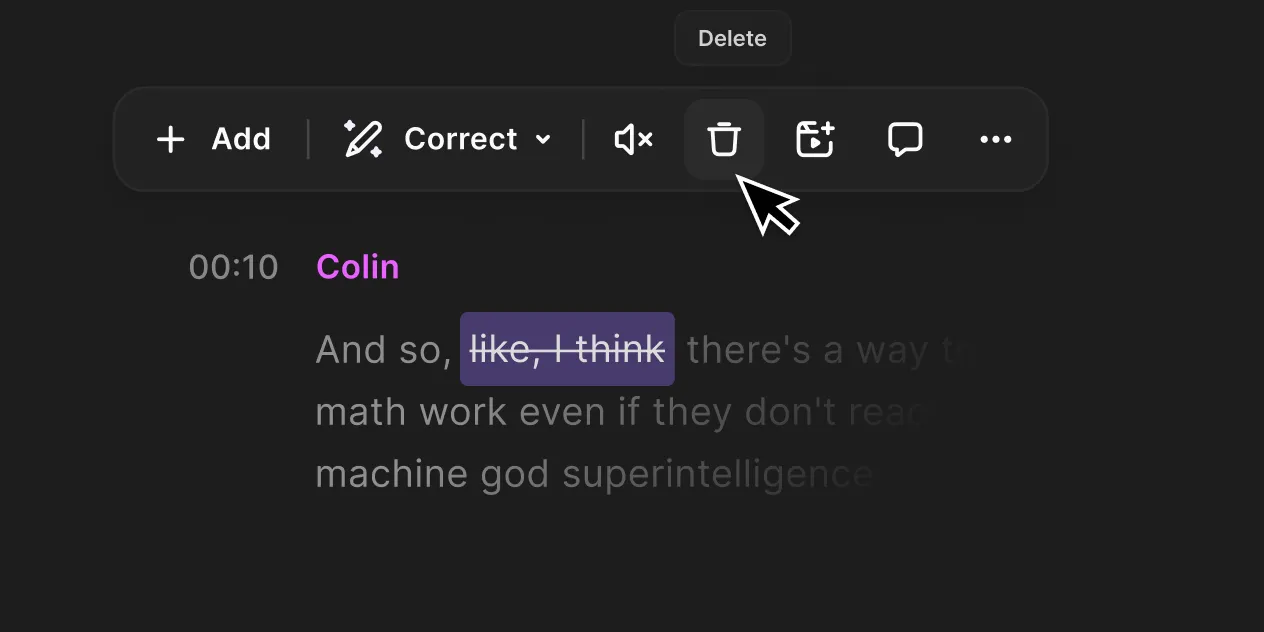
Riverside
Investigate for guest capture and an integrated recording-to-editing workflow.
Free option; Pro $29/month or $288 annually in official explainer
Free multi-track trial allowance and watermark limit evaluation. Confirm current checkout; no recording reliability tests performed.
Ordinary provider link. No affiliate partnership claimed. Link disclosure
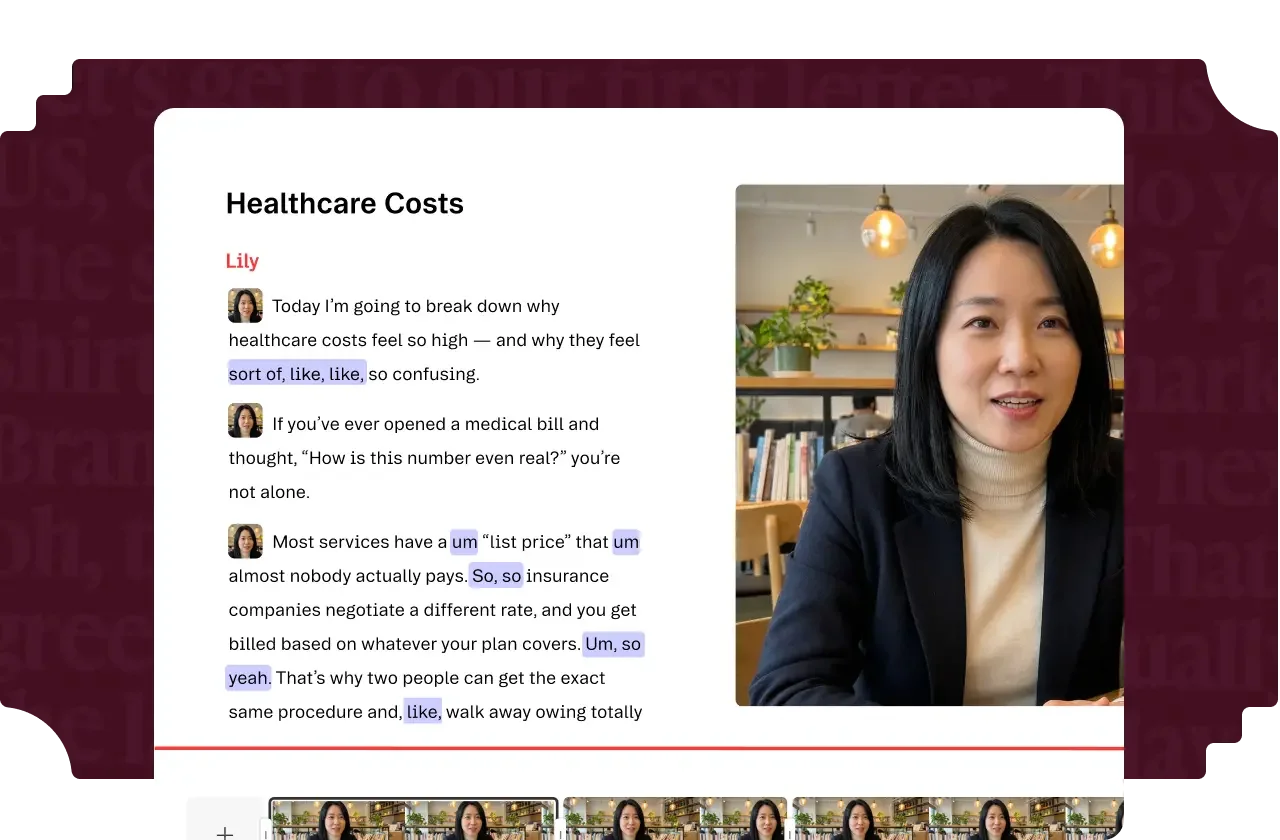
Descript
Investigate for transcript-led editing and turning existing recordings into finished videos.
Free option; Hobbyist $24/month or $192 annually per person
Media and AI allowances differ. Check the required export and project handoff before paying.
Ordinary provider link. No affiliate partnership claimed. Link disclosure
Questions before you decide
Do I need a new microphone before starting?
Not automatically. Record and listen to a representative sample with your current equipment first. Identify a specific problem before purchasing. The checklist is a way to collect that evidence, not a claim that every built-in microphone will be adequate.
Can a guest close Riverside as soon as I stop recording?
Riverside's host guidance says to keep the browser or app open until the track is successfully uploaded. Check each required participant's status. Stopping recording and completing upload are separate events.
Sources & verification
Product details and prices can change. Check the linked provider before buying.
- Riverside host recording checklist Accessed 2026-09-13
- Descript file import guidance Accessed 2026-09-13
Sources link directly to providers. Product buttons may use separately labeled affiliate links. Read our disclosure.