Name the bottleneck
A remote interview starts with getting usable material from another person's setup. A faceless tutorial may start with an existing screen recording that needs concise narration, clean edits, and accurate captions. Those are different bottlenecks even if the final deliverable is a five-minute video.
Our editorial recommendation is to write the required input and output before comparing feature lists. This article uses vendor documentation, not a hands-on comparison. We have not measured capture reliability, transcription accuracy, rendering speed, or audience response in either product. A trial should answer a defined question rather than produce a general impression.
Check what the free exercise can prove
Do not mistake a limited recording allowance for a monthly entitlement. Read the account's current limits before scheduling a long session. Riverside's official pricing explainer lists Pro at $29 month-to-month; its $24 annual monthly equivalent corresponds to $288 upfront. Verify the live checkout rather than mixing billing intervals.
| Product | Documented starting point | Useful evaluation question |
|---|---|---|
| Riverside Free | 2 hours of multi-track recording to try; 720p and watermark | Can the guest capture and upload path work for this session? |
| Descript Free | Free starting plan; export and usage limits apply | Can you complete the intended edit and acceptable export? |
| Descript Hobbyist | $24 monthly or $16/month annually; 1080p watermark-free export | Is this export capability actually required? |
Run the same small project
Choose a short piece of representative material: a guest answer with an interruption, or a screen demonstration with a correction. Write down the desired changes before opening an editor. Try removing the correction, checking the transcript, adding the intended title, and exporting the result. View the actual exported file on the kind of device your audience will use.
For a guest workflow, include the guest's actual device and permissions in the exercise. A host-only recording cannot establish that the guest path works. For editing, inspect whether the exported clip preserves meaning, readable text, and the intended framing. Count cleanup time rather than assuming an automatic feature removed all the work.
Avoid paying twice for the same stage
A two-product workflow needs a reason for the handoff. Write which file leaves the recorder, which file enters the editor, and which version is the original. Descript documents importing common media files; that does not establish every exported layout or project structure will transfer unchanged.
If one product completes the task acceptably, keep the second subscription out of the budget until a specific missing function justifies it. Save original media separately and record the renewal decision. The goal of the exercise is a finished useful video, not the largest collection of editing features.
Watch demos / Official walkthroughs
See how the tools work.
Videos load from YouTube only when you press play. These are provider videos, not our own product tests.
Riverside / Official video
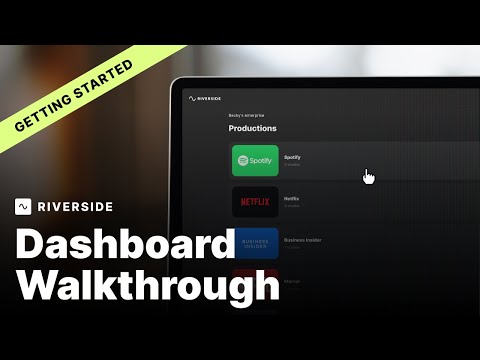
Riverside Dashboard Walkthrough | Getting Started with Riverside
What to look for: Find the recording setup and dashboard controls needed before inviting a guest.
Watch on YouTube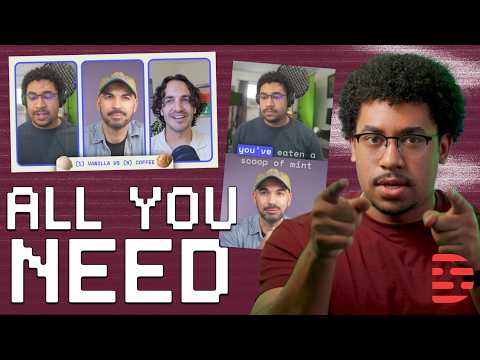
Descript / Official video
How to Edit a Podcast From Start to Finish
What to look for: Follow the editing sequence and review steps from an existing recording to a finished podcast.
Watch on YouTubeCompare your options
Riverside
Investigate for guest capture and an integrated recording-to-editing workflow.
Free option; Pro $29/month or $288 annually in official explainer
Free multi-track trial allowance and watermark limit evaluation. Confirm current checkout; no recording reliability tests performed.
Ordinary provider link. No affiliate partnership claimed. Link disclosure
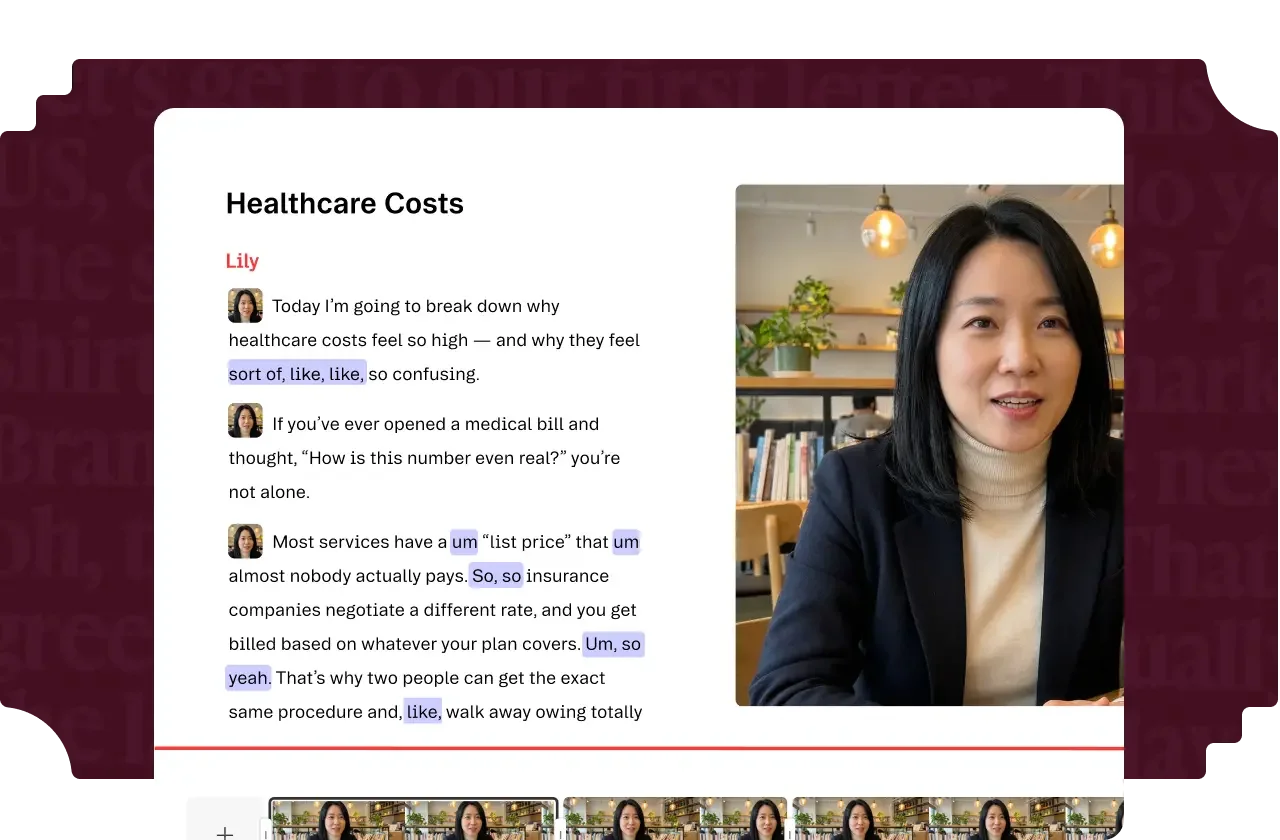
Descript
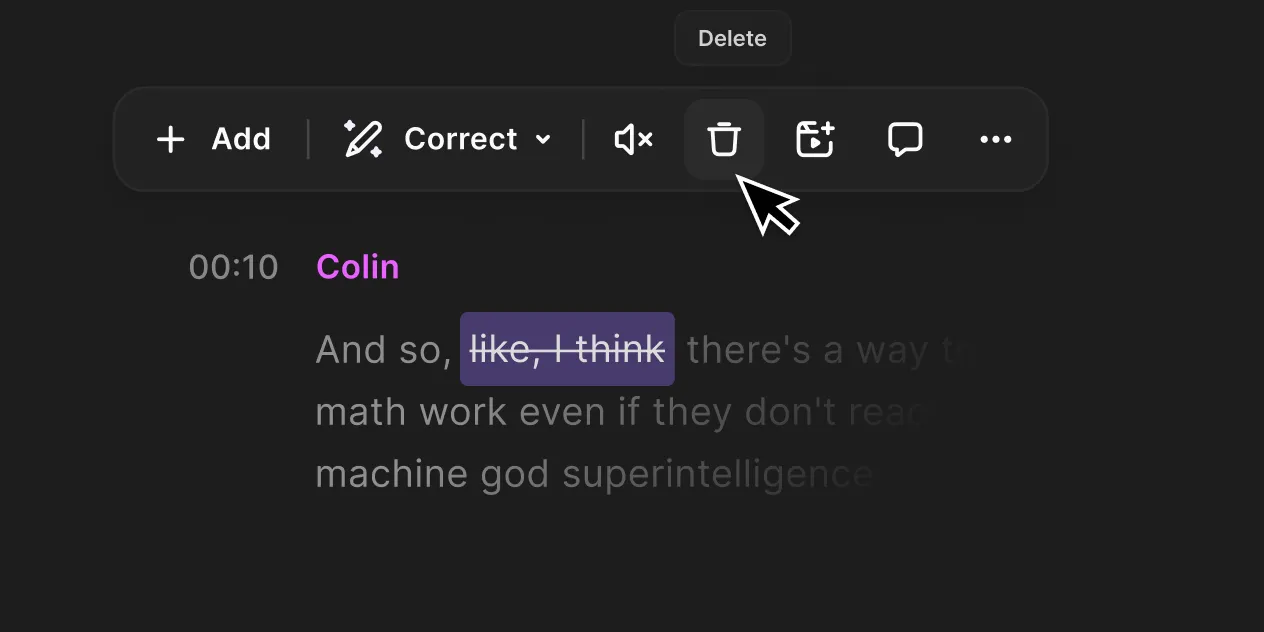
Investigate for transcript-led editing and turning existing recordings into finished videos.
Free option; Hobbyist $24/month or $192 annually per person
Media and AI allowances differ. Check the required export and project handoff before paying.
Ordinary provider link. No affiliate partnership claimed. Link disclosure
Questions before you decide
Should I subscribe to Riverside and Descript together?
Not by default. At the audited monthly examples, Riverside Pro at $29 plus Descript Hobbyist at $24 totals $53 before tax, above a strict $50 monthly cap. First test whether one tool covers the required work.
Does an automatic transcript remove the need to review the video?
No. Review names, numbers, captions, and the meaning of edited sentences in the actual export. Automatic editing is a proposed aid; this publication has not measured either product's accuracy on your material.
Sources & verification
Product details and prices can change. Check the linked provider before buying.
- Riverside pricing Accessed 2026-09-13
- Riverside free plan and pricing explained Accessed 2026-09-13
- Descript pricing Accessed 2026-09-13
- Descript file import guidance Accessed 2026-09-13
Sources link directly to providers. Product buttons may use separately labeled affiliate links. Read our disclosure.