Agree on the deliverable before recording
Ask the editor what they need: separate audio, video, screen share, a reference mix, or all four. Agree on the editing application and whether files should preserve original timing or use an aligned export. Do this before inviting guests, because a polished combined export does not guarantee that isolated sources remain available in the required format.
Riverside documents separate high-quality tracks recorded locally on participants' devices, with download choices including raw and aligned video and raw or compressed audio. Its help page also makes individual-track availability dependent on the account's recording allowance. Verify the actual account and session before promising an editor a particular download. This guide is an editorial handoff procedure based on documentation, not a measured recording-quality comparison.
Inventory participants and recording segments
Create one manifest row per delivered file. A participant who reconnects or a session restarted after a break may require more than one row. Use neutral participant identifiers in filenames if the material is sensitive. Our suggested convention is episode-012_guest-a_segment-02_audio-original.wav, using the actual file extension rather than renaming a compressed file to look uncompressed.
Keep original downloads unchanged in an originals folder and place derived files in a separate working folder. Record the source download option, actual format, duration, channel count, and sample rate as reported by your media application. Do not assume two channels mean two people: a stereo file can contain the same mixed conversation on both channels.
| Manifest field | Why the editor needs it |
|---|---|
| Participant and segment | Find the correct voice and recording order |
| Original filename and delivered filename | Trace an edit back to source |
| Raw or aligned export | Avoid applying an offset twice |
| Duration and start reference | Detect missing material and align segments |
| Format / sample rate / channels | Plan import and any necessary conversion |
| Known defect and timestamp | Locate noise or missing words quickly |
| Review status | Separate checked sources from incomplete uploads |
Check upload completion before calling a file missing
Review the session's track and upload status, then use the platform's recovery instructions if a participant's local upload is incomplete. Preserve the recording and ask the participant to follow the supported recovery process before clearing browser data or removing local material. A visible recording card is not proof that every local track finished uploading.
Download each expected track and open it in the editor. Confirm it decodes, has plausible duration, and contains the named person. Listen near the beginning, middle, and end, then around known interruptions. This sampling catches obvious mistakes but is not a complete quality review; a full listen is still needed before publication. Mark a partial track as partial in the manifest rather than filling its missing section with silence without explanation.
Resolve alignment with a reference, not file length alone
A shorter file may begin later, end earlier, or contain a missing section. Those possibilities require different edits. Use the selected export's documented timing behavior and a shared audible or visual event to check alignment. If the start aligns but the end does not, investigate drift or a changed segment boundary before cutting the entire conversation to fit.
Hypothetical example: the host track covers 30 minutes, while a guest joined two minutes late. The manifest records that late arrival and the chosen export's timing basis. The editor compares a shared phrase or clap after the guest joined and again near the end. A two-minute difference in raw file lengths alone does not tell the editor to stretch the guest's voice or delete two minutes from the host.
Make editorial notes that save real editing time
- Identify the preferred take when a question was repeated; include the source filename and timestamp.
- Mark interruptions and retakes as notes rather than deleting them from the only original.
- Record pronunciation and spelling supplied by the participant, plus any agreed publication restrictions.
- List music, images, or screen shares separately with the relevant usage permission reference.
- Include a reference mix for listening and clearly label it as a reference, not the isolated master.
- Ask the editor to acknowledge missing files before work starts; a silent assumption can become an expensive reconstruction later.
Use a handoff acceptance check
Our proposed handoff is complete when every expected participant and segment has a manifest row, all delivered files open, timing conventions are stated, known defects have timestamps, and the editor can import a short representative section. Share files through a location with the intended access permissions and sufficient retention; do not publish raw guest recordings through a public worksheet link.
The downloadable CSV is a blank reusable manifest, not a tested Riverside export. Fill it with your session's actual results. If a source cannot be recovered, agree explicitly on using a backup, rerecording a section, or changing the edit. Buying another editor does not restore audio that was never captured.
Compare your options
Riverside
Investigate for guest capture and an integrated recording-to-editing workflow.
Free option; Pro $29/month or $288 annually in official explainer
Free multi-track trial allowance and watermark limit evaluation. Confirm current checkout; no recording reliability tests performed.
Ordinary provider link. No affiliate partnership claimed. Link disclosure

Descript
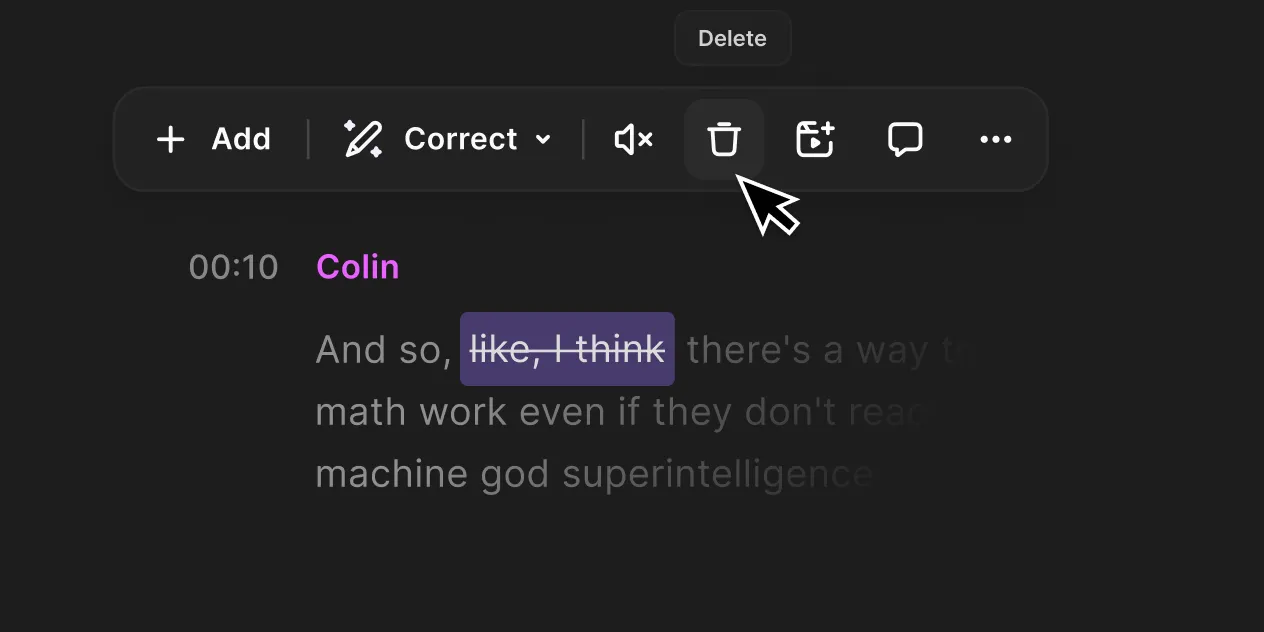
Investigate for transcript-led editing and turning existing recordings into finished videos.
Free option; Hobbyist $24/month or $192 annually per person
Media and AI allowances differ. Check the required export and project handoff before paying.
Ordinary provider link. No affiliate partnership claimed. Link disclosure
Sources & verification
Product details and prices can change. Check the linked provider before buying.
- Riverside: download high-quality tracks and related recovery documentation Accessed 2026-09-13
Sources link directly to providers. Product buttons may use separately labeled affiliate links. Read our disclosure.